
MyStake App: Mobile Casino, APK & How to Play on Phone
Calling it the MyStake "app" is a stretch: it is a web app you reach in a phone browser, not something off a store, and it opens the entire 6,000+ slot shelf, the live rooms and the brand's Originals with zero install. Some regions may get a dedicated APK, and only from the operator's own site. This is the page that matters most to me.
· · By
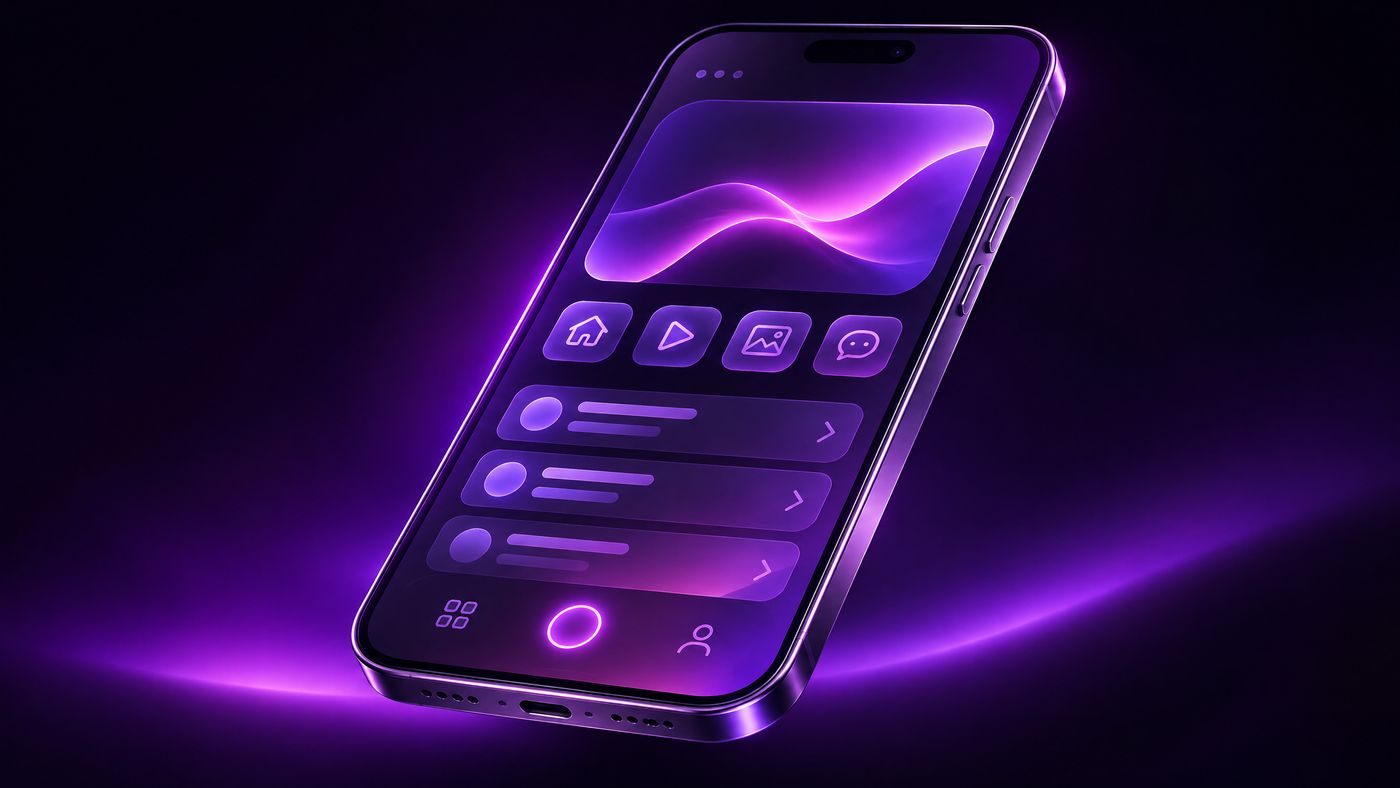
So what is the MyStake app, really?
Think of it as a site you open rather than a program you fetch. Load the casino in whatever browser your phone runs and the lot is right there behind one responsive layout - reels, dealer rooms, the sportsbook, the house Originals. The operator's own line is that playing on a phone asks for no separate install whatsoever.
That is a conscious call, and a usual one among offshore crypto-leaning brands. Keep the whole product at a single address and the handheld version can never fall behind the desktop one: identical slot count north of 6,000, identical dealer rooms, identical cashier, with nothing lopped off into a skimpy "lite" edition. Push an update to the site and your phone sees it on the next load, because there is no separate binary sitting in storage waiting to be patched.
It feeds trust, as well. The brand answers to GTW B.V. on Curaçao Gaming Authority licence OGL/2024/250/0115 - an offshore frame, not a licence from the regulator back home. Keeping play on that licensed address is a good deal easier to vouch for than a file doing the rounds off-channel. If you would rather take in the wider picture before anything else, our MyStake casino review digs into licensing, trust and the whole product line.
| Feature | Mobile status |
|---|---|
| Browser web app | yes - the entire casino in-page, zero install |
| A Google Play or Apple listing | unconfirmed; work on the basis it is absent |
| An Android APK | down to your region - the operator's site only |
| Shortcut on the home screen | yes, across iPhone and Android both |
| Slots you can reach | 6,000+ - the identical shelf to desktop |
| Crypto in the cashier | yes - USDT, TRON (TRX) and Bitcoin |
Browser version or a native build: which wins
For nearly everybody the browser version is the one to take, and plenty of players have no other option anyway. It fetches nothing, claims no storage, can never age out, and is the edition the operator officially gets behind. A native APK only buys you anything if a dedicated icon and push-style convenience appeal - and even that is mostly covered the moment you drop a shortcut on the home screen.
| What matters | Browser version | Native build / APK |
|---|---|---|
| Getting it | nothing - just load it in the browser | a fetch plus a manual permission |
| Space taken | near enough nil | tens of MB on the handset |
| Staying current | self-updating, straight away | a fetch you repeat by hand |
| Every game | yes, the full 6,000+ | yes (it echoes the browser) |
| The home-screen icon | through "Add to Home Screen" | an ordinary app icon |
| Official backing | the operator confirms it | region-bound, unverified in places |
In a line: begin with the browser version. If your region serves a verified APK and a native icon genuinely tempts you, bolt it on later - but nothing is lost by staying in the browser, and you keep the self-updating safety that counts for most on anything handling money.
Does Android have a MyStake APK?
MyStake is not on the Google Play Store, since Google shuts out real-money gambling titles in most countries. The browser version carries the load in its place, and a handful of regions may be handed a straight Android APK off the operator's own website. Anything surfacing elsewhere is unverified, so leave it alone.
Go the APK way and one rule keeps you out of trouble: fetch it only from the official MyStake address you already play on, never off a third-party "APK mirror", a forum post, a messenger file or an advert. Those are the haunts of repackaged, malware-stuffed builds, and a gambling app can see your login and your cashier. The run-through under app safety below covers vetting a file before you ever open it.
- Nothing on Google Play - par for the course with real-money casinos.
- An APK, when it exists, is a download from the operator's own website only.
- Getting it in means letting your browser "install from unknown sources".
- It just echoes the browser casino - one account, one game set, one cashier.
- Any APK on a third-party page is fake until it proves otherwise.
iPhone and iPad: how it works on iOS
iOS offers neither a store app nor an APK - Apple shuts off sideloading, and it gates real-money casinos hard on its store. For iPhone and iPad the way in is the Safari web app, which you then drop onto the home screen so it opens full-screen with its own icon and behaves to all intents like something you downloaded.
| Aspect | iOS (iPhone/iPad) | Android |
|---|---|---|
| A store app | none | none |
| A straight download | off the table (no sideloading) | possible via an official APK, region-bound |
| The usual way | the Safari web app | the Chrome web app, or an APK |
| A home-screen icon | Share > Add to Home Screen | Menu > Add to Home screen / Install app |
| The whole casino & live | yes | yes |
Since Safari backs progressive web-app behaviour, the iOS shortcut strips the browser chrome and drops you straight into the lobby. To most iPhone players that is a dead ringer for a native app and skips every danger tied to unofficial files. No account open yet? Our MyStake sign up guide covers registering on a phone.
Putting the MyStake icon on your home screen
Forget a store install - you drop the web app onto the home screen in a handful of taps, whichever platform you are on. The sequence below builds an app-style icon that fires the casino up full-screen. iPhone and Android vary a touch, yet both wrap up comfortably inside a minute.
- Load the official site. Fire up your phone browser - Safari on iPhone, Chrome on Android - and head to the official MyStake address you play on.
- Find the browser menu. iPhone: the Share icon. Android: the three-dot menu up in the corner.
- Hit "Add to Home Screen". Android may word it "Install app" or "Add to Home screen"; confirm at the prompt.
- Name it, confirm it. Leave or edit the shortcut name, then tap Add - a MyStake icon now lands on your home screen.
- Fire it up, sign in. Tap the fresh icon, log in, and the casino fills the screen like a native app.
- (Android APK only, where your region serves it.) Fetch the file off the operator's own site, let your browser install it, open it and follow the steps - third-party sources, never.
Whichever way in you take, the account is one and the same across the board, so bouncing between phone and desktop costs nothing. New players should pick up any welcome offer on the MyStake casino bonus page; one wallet and one bonus balance cover phone and desktop alike.
Slots, dealer rooms and Originals on a handset
Nothing is trimmed for the handset: the full catalogue is there - the same 6,000+ slots, the whole dealer floor, the Originals - every piece reworked for touch. Games fire up portrait or landscape, and their controls are rebuilt around thumbs instead of being squeezed down from a desktop layout.
- Slots (6,000+): Populaires, Megaways, Jackpot, Bonus Buy, Drops & Wins, from Pragmatic Play, Hacksaw, BGaming, Evoplay and the rest.
- Dealer rooms: live Roulette, Blackjack and Baccarat via Evolution, Pragmatic Play, Winfinity and Creedroomz, on a real-time feed.
- The Originals: Aviator, JetX, Balloon, Tower Rush, Penalty Duel and more - the crash and instant games the brand hangs its name on.
- Demo play: a good share of slots open in practice mode before any real money rides on them.
If anything, a handset is where the Originals truly belong, since a tap-to-bank crash mechanic fits a touchscreen far better than it ever fit a mouse. The deeper map of studios, categories and demo availability sits on our MyStake casino games page. Keep in mind the platform is 18+ and the results ride on RNG - I quote no RTP figure the operator has not stood behind.
Moving money on a phone: the cashier
On a handset the cashier acts exactly as it does on a desktop, and it is crypto-first. Crypto in and out is the quickest lane and, on the operator's word, runs at 0% fees, while cards and local methods trail. Always double-check the live list of methods, the minimums and the limits in the cashier itself, since the figures you read vary by source.
| Method | Type | Notes |
|---|---|---|
| USDT | crypto | quick; 0% fees on the operator's word |
| TRON (TRX) | crypto | quick; a tiny network cost |
| Bitcoin (BTC) | crypto | quick; no fixed caps reported |
| Visa | fiat card | trails crypto for speed |
| PIX / RuPay | local | region-bound (Brazil / India) |
Reported payout floors land near $15 in crypto and about €20 in fiat, with a fiat weekly ceiling put close to €5,000, though sources diverge and the cashier is the figure that binds. Count on a KYC check ahead of any withdrawal - and a phone camera takes the document shots cleanly. For the full timing and limit detail, go by the operator's own cashier and terms.
Popular games at MyStake


How it runs: speed, data and what your phone needs
A browser footing keeps the asks light: any up-to-date iPhone or Android handset with a current browser and a steady line will run it. No weighty binary to stash, and the bulk of the data you pull is the game feeds themselves, so a dealer table drinks more bandwidth than a slot does.
- The handset: any modern iOS or Android phone or tablet on a current browser.
- The line: steady Wi-Fi or 4G/5G; dealer tables are the thirstiest for data.
- Storage: all but nothing for the web app; a native APK swallows tens of MB.
- Battery: long dealer or crash runs drain quicker - keep a charger within reach.
- The browser: keep Safari or Chrome current for the steadiest, safest run.
In the real world the web app feels snappy on mid-range kit, and because the updates happen server-side you are never left waiting on a patch. Hit a loading wobble and wiping the browser cache then reloading nearly always clears it, your account and balance untouched. On a capped data plan the one thing worth an eye is dealer-table streaming, comfortably the biggest data draw on offer here.
Is a MyStake APK safe to install?
A web app living in your browser is safe by its nature; the worry only shows its head with Android APK files, since installing one means trusting a file the store never vetted. It is safe only when it comes straight off the operator's own domain. A gambling app can see your login and your cashier, so vetting is anything but optional.
- The web app fetches nothing and sits on the licensed domain.
- A home-screen shortcut is a plain bookmark - no security exposure.
- Self-updating means you are forever on the current, patched build.
- With no store listing to clone, the web app cannot be spoofed on your device.
- No official Google Play or Apple presence to borrow trust from.
- Any Android APK is sideloaded, so "unknown sources" has to go on.
- Third-party "APK mirrors" are a well-worn route for repackaged malware.
- The offshore Curaçao licence leaves thinner recourse than a home regulator.
My rule stays blunt: lean on the web app, and if you ever do install an APK, pull it only from the site you already sign in to, flip "unknown sources" on just for that one fetch, and off again right after. Any link, message or advert shoving a "MyStake app" at you from somewhere else gets a hard no.
Mobile MyStake, weighed up
Weighed up, the handheld offering is strong exactly where it needs to be - the whole library, a brisk crypto cashier, a setup with no friction - and soft only in the ways offshore casinos usually are: no store app and a licence beyond most players' home regulator. For a mobile-first player sold on crypto and the Originals it is a snug fit, and to my eye it is how the brand was meant to be used.
- The whole 6,000+ slots, dealer floor and Originals on a handset - nothing trimmed.
- No download; a home-screen shortcut goes on in under a minute.
- Crypto in and out at a reported 0% fee.
- One shared-wallet account across phone and desktop.
- Nothing on Google Play or the Apple store.
- An APK, where served, has to be sideloaded carefully.
- Offshore licensing thins your external recourse.
- Cashier floors and ceilings shift - verify on site.
FAQ
Can I get MyStake from Google Play or the Apple store?
No. It is on neither, which is normal for real-money casinos, since both stores bar gambling titles across most countries. You use the browser web app instead, and it hands over the whole casino with no download at all.
Is there an Android APK?
Some regions may be served a straight Android APK off the operator's own website. There is no Google Play build. Install one and take it only from the official MyStake address you already play on, never a third-party mirror, forum, messenger or advert, which are classic sources of repackaged malware.
How do I set it up on an iPhone?
Load the official site in Safari, tap the Share icon, then "Add to Home Screen" - that builds an app-style icon that opens the casino full-screen. iOS allows no store app and no sideloading, so this web-app shortcut is the backed route for iPhone and iPad.
Does the phone version carry every game?
Yes. The web app serves the identical catalogue to desktop: 6,000+ slots, the whole dealer floor and the Originals such as Aviator and JetX. Nothing is held back for a "lite" build, and a good many slots open in demo on a phone.
Can I handle crypto on a phone?
Yes. The phone cashier takes crypto including USDT, TRON (TRX) and Bitcoin, which the operator reports at 0% fees and as the quickest lane. Visa and local methods like PIX and RuPay are there too. Confirm the current floors, ceilings and KYC in the live cashier.
Is the phone version safe?
The browser web app is safe, since it sits on the licensed domain and fetches nothing. The risk only turns up with Android APK files; pull those off the operator's own site only. MyStake holds a Curaçao Gaming Authority licence (OGL/2024/250/0115), an offshore frame, and the platform is strictly 18+.
Verdict
MyStake pulls this off by not being an app in the old sense at all. The browser web app lays the whole casino in front of you - every slot, every dealer table, every Original - with no download, no storage toll and self-updating builds, and a home-screen shortcut shrinks the last gap to a native icon. Where your region serves a verified Android APK it is a nicety, not a need, and it wants caution, since only the operator's own file earns any trust. Stack a crypto-first cashier at a reported 0% fee and one shared wallet across devices on top, and the phone turns into the obvious way to play here. The caveats are the usual offshore pair: no store app and a Curaçao licence in place of a home regulator, so weigh that and keep play responsible at 18+. For a mobile, crypto-minded player, MyStake slots in easily and ably.
Play at MyStake